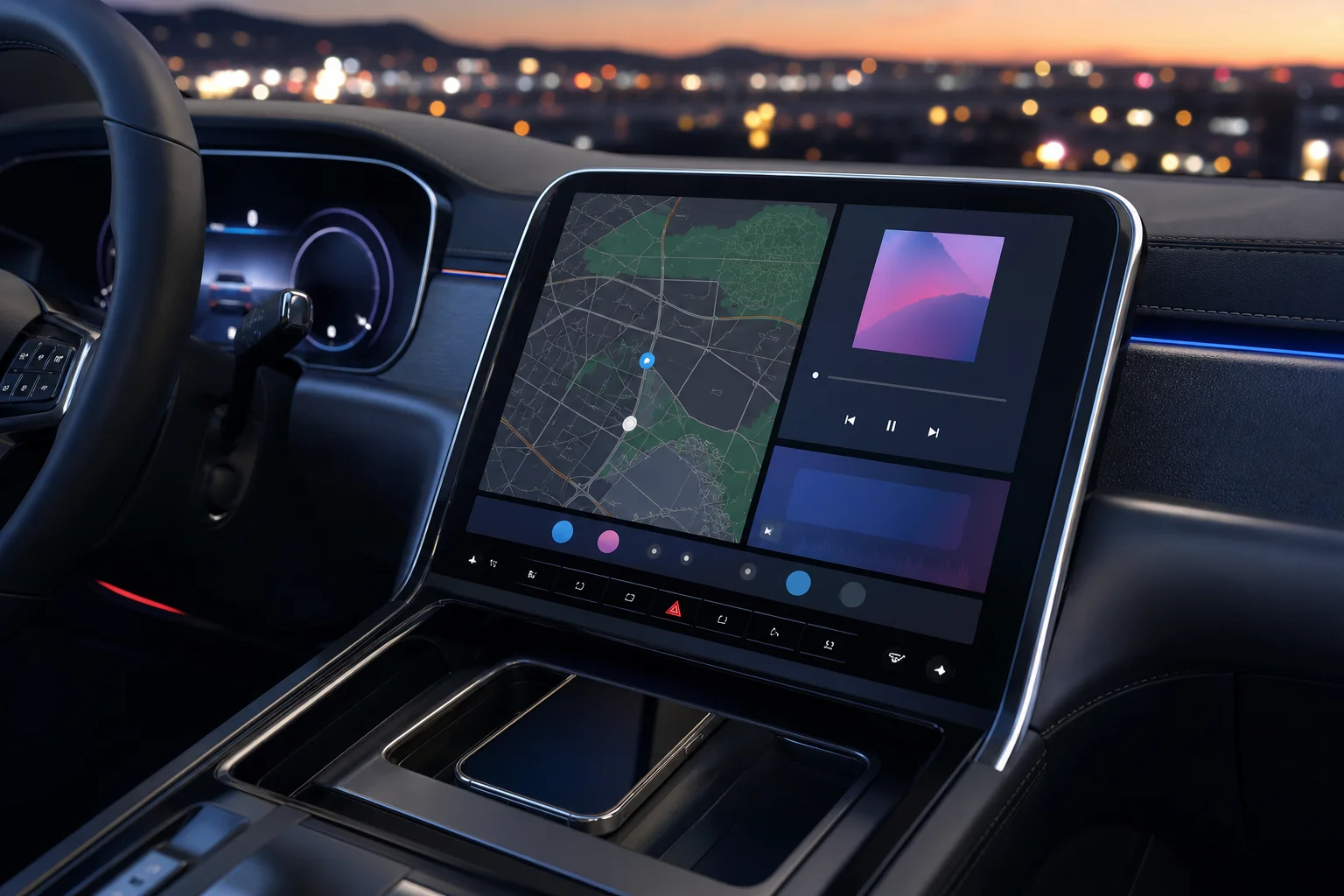
Wireless CarPlay Adapter Guide: Will It Work in Your Car?
How wireless CarPlay adapters work, the 10-second test to check if your car is compatible, what to look for, and which adapter to choose.
DriveLux Editorial Team
Car tech guides and buying advice
Your car has Apple CarPlay, but only with a cable. So every trip starts the same way: find the cable, plug in, wait, and unplug again at the other end. Over time the cable frays, the USB port gets loose and the connection starts dropping mid-route.
A wireless CarPlay adapter fixes that. It is a small plug-in device that turns the wired CarPlay you already have into wireless, so your phone connects on its own while it stays in your pocket. Here is how to tell if one will work in your car, what to look for, and which one to choose.
01
The short answer
Our verdict
If your car already has factory wired CarPlay or wired Android Auto, a plug-and-play wireless adapter makes it wireless in minutes, with no wiring and no changes to your car. Our pick for most drivers is the DriveLux Wireless CarPlay Adapter: it works with both CarPlay and Android Auto, reconnects automatically and costs $34.99. If you drive an iPhone-only setup and want our premium option, choose the CarPlay AI Magic Box.
02
Will it work in your car? The 10-second test
- 1
Plug your phone into your car with a USB cable, the same port you would normally use.
- 2
Watch your factory screen. If Apple CarPlay (or Android Auto) opens, your car has wired CarPlay.
- 3
If it opens, a wireless adapter will work. If nothing happens, an adapter cannot help, because there is no CarPlay for it to make wireless.
That one test answers almost every compatibility question. Make, model and year matter less than whether wired CarPlay or Android Auto opens today.
03
6 things to look for in an adapter
It matches what your car has
An adapter converts wired CarPlay or wired Android Auto into wireless. It does not add either one. If you switch between an iPhone and an Android phone, choose an adapter that supports both.
Automatic reconnect
The whole point is getting in and driving. A good adapter pairs once, then connects by itself every time you start the car, with no tapping or re-pairing.
Factory controls keep working
Your touchscreen, steering wheel buttons and voice button should behave exactly as before. A plug-in adapter changes nothing inside the car.
True plug-and-play
No wiring, no tools and no installer. It goes into the USB port you already use for CarPlay and stays there.
Small enough to leave in
You will never unplug it, so it should sit neatly in your console or USB recess without a dangling cable.
A real return window
Every car handles USB a little differently. Buy from a store that lets you return it if it does not suit your car.
04
Common misconceptions
- It adds CarPlay to an older car. It does not. Your car needs factory wired CarPlay or wired Android Auto first.
- It works with any aftermarket stereo. Only if that stereo already supports wired CarPlay or Android Auto.
- It charges your phone. Going wireless means your phone is no longer charging over the cable, so pair it with a wireless charging pad or a charger on longer drives.
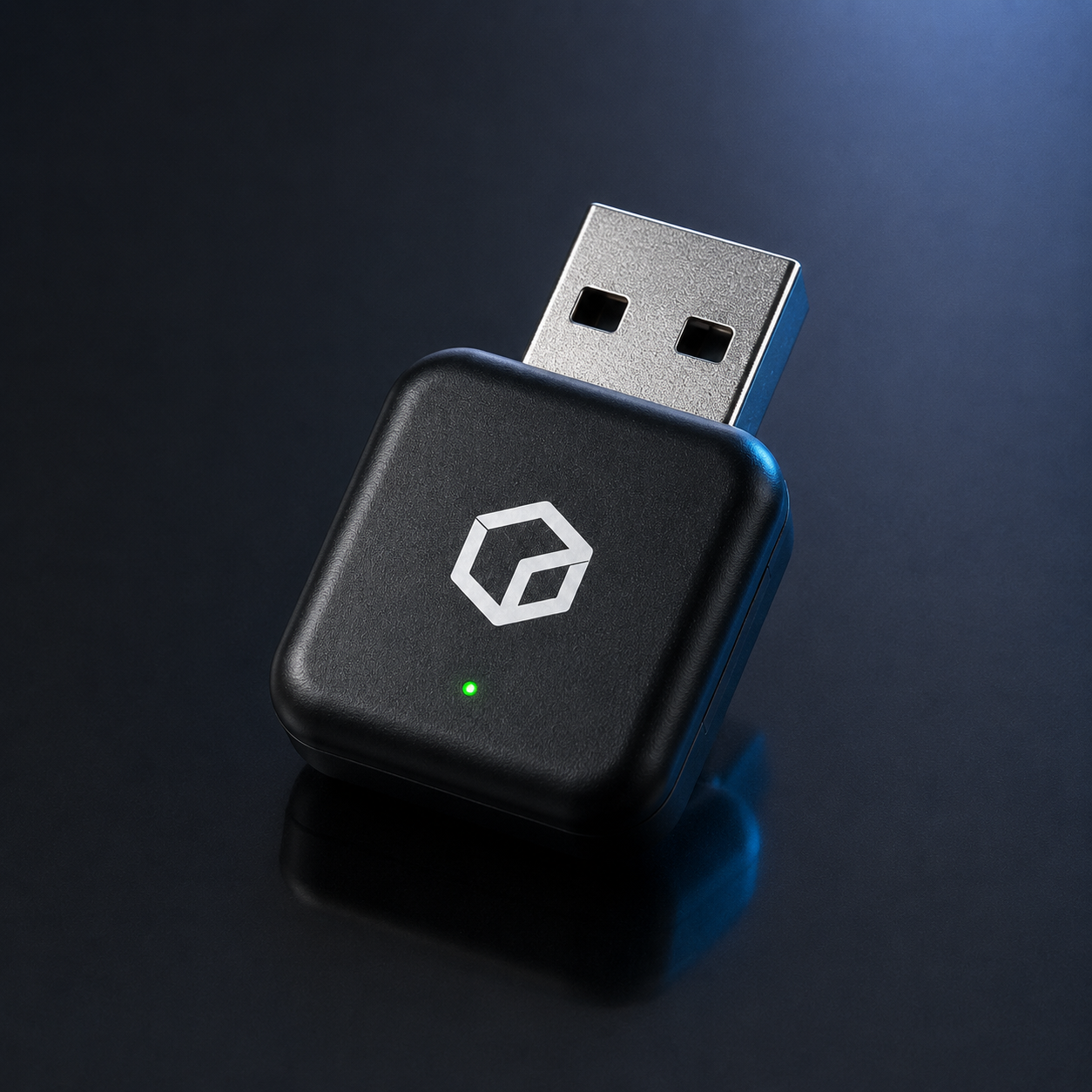 Editor's pick
Our pick for most drivers
DriveLux Wireless CarPlay Adapter
- Makes factory wired CarPlay or Android Auto wireless
- Connects automatically after the first setup
- Under a minute to fit: plug in and pair once
- Small enough to leave plugged in permanently
- Ends worn-out cable and loose USB port problems
05
Wireless Adapter vs CarPlay AI Magic Box
Both turn your factory wired CarPlay into wireless without touching anything in your car. The Wireless CarPlay Adapter is the affordable choice and also covers Android Auto. The CarPlay AI Magic Box is our premium iPhone option.
| Feature | Wireless AdapterBest value | AI Magic BoxPremium iPhone |
|---|---|---|
| Makes factory wired CarPlay wireless | ||
| Works with wired Android Auto | ||
| Reconnects automatically after first setup | ||
| Factory screen and wheel controls stay | ||
| No tools or wiring | ||
| Price | $34.99 | $109.99 |
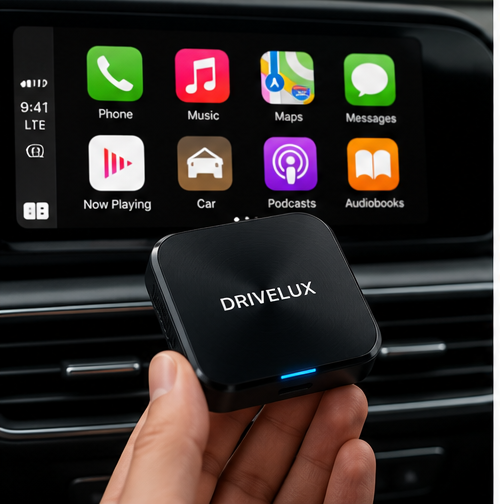
06
How to set it up
Start the car and plug it in
Use the USB port you normally use for CarPlay. Some cars have several USB ports and only one supports CarPlay.
Pair your phone once
Turn on Bluetooth and Wi-Fi on your phone and follow the pairing prompt. This only happens the first time.
Leave it in place
From now on, start the car and CarPlay opens on its own within moments.
Keep your phone charged
On long drives, put your phone on a wireless charging pad or use a separate charger, since it no longer charges over the cable.
07
Frequently asked questions
Will a wireless CarPlay adapter work in my car?
Plug your phone into your car with a cable. If CarPlay or Android Auto opens on the factory screen, a wireless adapter will work. If nothing happens, your car does not have wired CarPlay and an adapter cannot add it.
Does a wireless CarPlay adapter work with Android phones?
Some do. The DriveLux Wireless CarPlay Adapter works with wired Android Auto as well as wired Apple CarPlay, as long as your car supports it today. The CarPlay AI Magic Box is built for iPhone and Apple CarPlay.
Do I have to pair it every time I get in the car?
No. You pair your phone once during setup. After that it connects automatically when you start the car.
Will my steering wheel buttons still work?
Yes. A plug-in adapter does not replace or modify anything in your car, so your factory screen, steering wheel buttons and voice controls keep working.
How long does installation take?
Under a minute for the Wireless CarPlay Adapter and about five minutes for the CarPlay AI Magic Box. Plug it into your CarPlay USB port and pair your phone once. No tools needed.
Does it work with aftermarket head units?
Only if the aftermarket head unit already supports wired CarPlay or Android Auto. It cannot add CarPlay to a stereo that does not have it.
Get in, start the car, go
Free US shipping, tracked delivery and 30-day returns.
Driving for work? Read our guide to the best dash cam for rideshare drivers.
Keep reading
More from the Journal
 Exterior Upgrade
October 7, 2026 · 6 min read
LED Car Badge Guide: Sizing, Install and What to Know Before You Buy
How animated LED car badges work, how to measure for a flush 74mm or 82mm fit, waterproofing, installation, and the legal points every owner should check.
Read the guide Interior Organization
October 7, 2026 · 6 min read
Car Organizer Guide: How to Declutter Your Car for Good
A zone-by-zone system for a tidy car: what belongs on the visor, in the door and in the console, which organizers are worth it, and a 10-minute reset routine.
Read the guide Interior Comfort
October 7, 2026 · 5 min read
Car Mist Diffuser Guide: A Fresher Cabin Without Harsh Air Fresheners
How a car mist diffuser works, how it compares to vent clips and hanging fresheners, what to put in it, and how to use one safely on every drive.
Read the guide