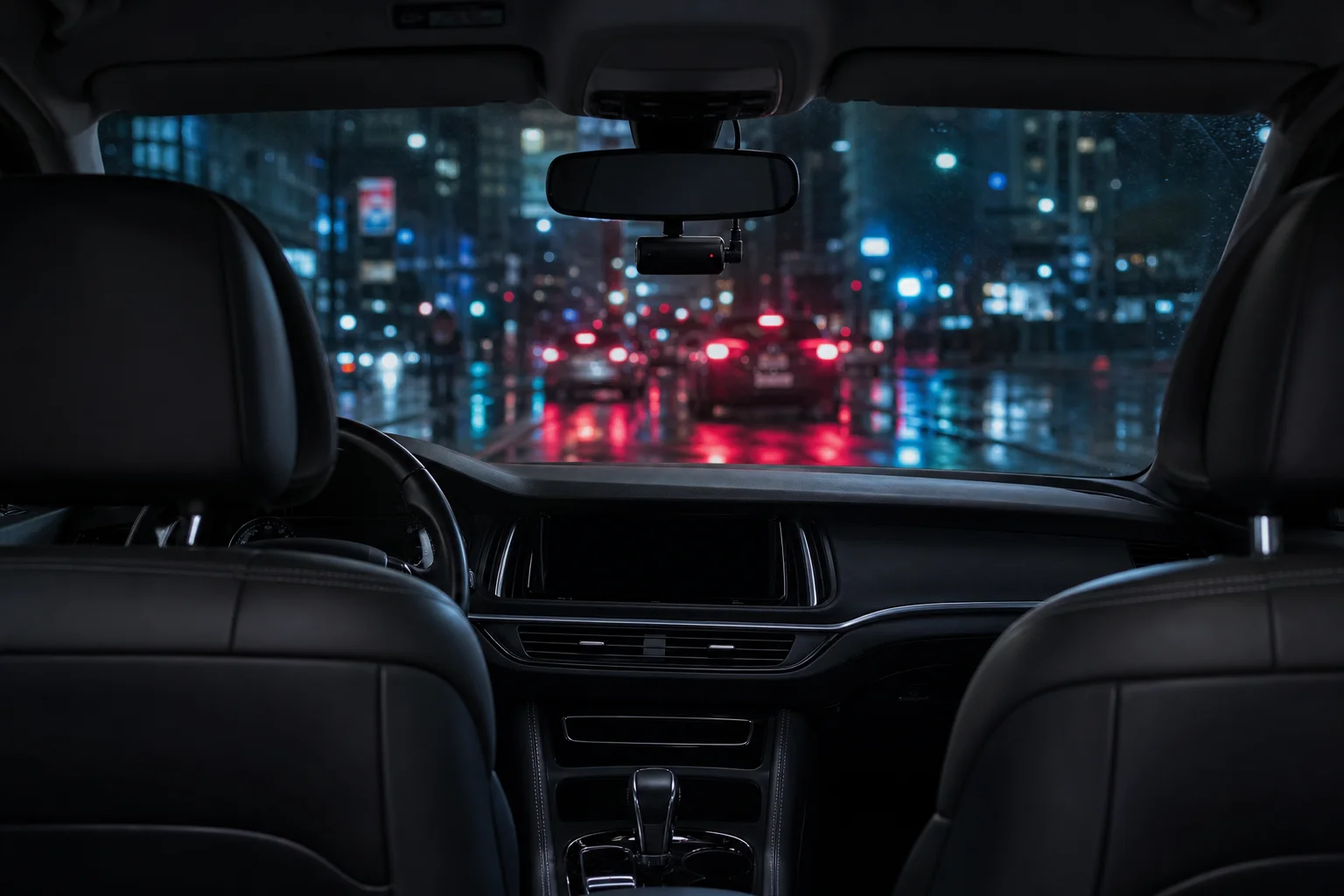
Best Dash Cam for Rideshare Drivers: What Actually Matters
A practical guide for Uber, Lyft and delivery drivers: the dash cam features that protect you in a dispute, what to skip, and how to set one up.
DriveLux Editorial Team
Car tech guides and buying advice
If you drive for Uber, Lyft, DoorDash or Instacart, your car is your workplace. You spend more hours on the road than almost anyone, often at night, in traffic and in crowded pickup zones. That means more chances for a fender bender, a staged accident or a he-said-she-said argument with another driver.
A dash cam turns those situations into a clear record. But not every camera is built for long shifts. Here is what actually matters when you choose one, and what you can safely skip.
01
The short answer
Our verdict
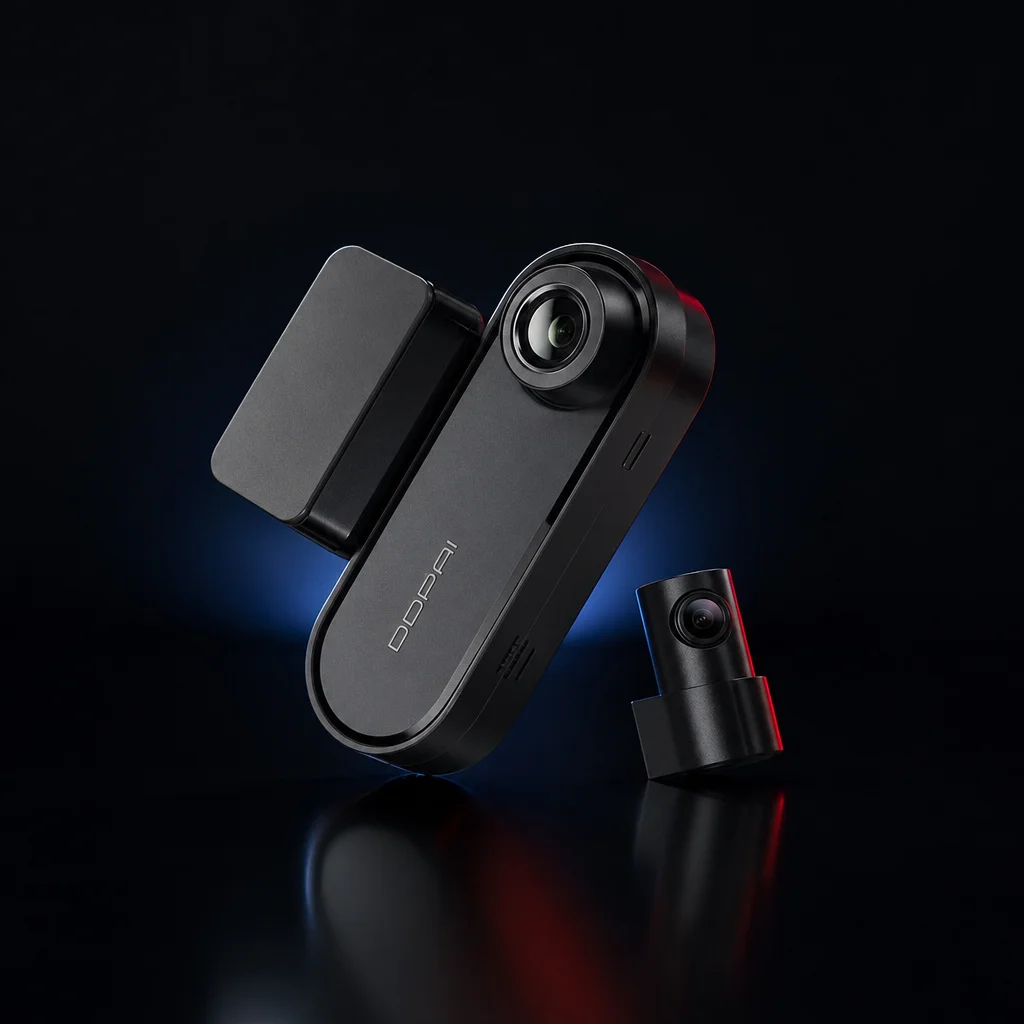
For most rideshare and delivery drivers, the best setup is a dual front and rear dash cam with 4K on the front, GPS, a crash sensor and parking mode. Our pick is the DDPAI N5 Dual: true 4K front, Full HD rear, an F1.8 lens for night driving, built-in GPS, automatic clip locking, a parking-mode hardwire kit in the box, and no screen cluttering your windshield.
02
6 features every rideshare dash cam needs
Front and rear recording
Rear-end collisions are among the most common incidents in stop-and-go city driving. A front-only camera misses them entirely. A dual setup records the road ahead and behind at the same time.
Clear video at night
Footage only helps if you can read a plate or a street sign. 4K on the front camera and a wide-aperture lens give you the best chance, especially on late-night shifts.
Automatic clip locking
Dash cams record on a loop and overwrite old footage. A crash sensor (G-sensor) that locks the clip on impact means the moment that matters is never erased.
GPS speed and location
In a dispute, being able to show your speed and exact route on the clip removes guesswork about what happened and where.
Parking mode
Between trips you park in busy lots, at airports and on the street. Parking mode, powered by a hardwire kit, records bumps and motion while you are away from the car.
Easy phone access
When something happens you want the clip on your phone in minutes, not after pulling a memory card at home. Wi-Fi app access lets you watch, download and share on the spot.
03
What you can skip
- A large screen on the windshield. It adds glare and distraction and blocks your view. Phone app access does the job better.
- Very cheap no-name cameras. Grainy night video and unreliable loop recording defeat the whole purpose.
- Small memory cards. If you drive full shifts and use parking mode, footage loops quickly. Go for 128GB.
 Editor's pick
Our pick for rideshare
DDPAI N5 Dual 4K Front & Rear Dash Cam
- 4K front (3840 x 2160) + Full HD rear, recording together
- F1.8 lens for clear night footage
- Parking mode with included hardwire kit
- Built-in GPS speed and route logging
- Crash sensor locks important clips
- Wi-Fi app to watch and share clips on your phone
04
Setting it up for rideshare
Mount the front camera behind the mirror
It stays out of your line of sight and out of reach of passengers. Mount the rear camera at the top of the back window.
Hardwire it for parking mode
The kit connects to your fuse box so the camera keeps watching between trips. If you are not comfortable with wiring, a car audio shop can do it in under an hour.
Choose the bigger memory card
Long shifts plus parking mode fill storage fast. 128GB gives you more time before older footage is overwritten.
Save clips right after an incident
The crash sensor locks clips automatically, but it is good practice to download the footage to your phone through the app before you drive off.
Check the rules where you drive
Recording laws and windshield-mounting rules vary by state, and rideshare platforms have their own policies. A quick check keeps you covered.
05
Frequently asked questions
Do Uber and Lyft allow dash cams?
Many rideshare drivers use them, but rules differ by platform, city and state, especially for recording audio or passengers inside the car. Check your platform policy and local laws, and consider a visible notice in the car that recording is in use.
Do I need an interior (cabin) camera too?
A front and rear camera protects you in road incidents: collisions, insurance claims and disputes over who was at fault. If you also want to record passengers inside the car, you would need a separate cabin-facing camera. The DDPAI N5 Dual records the road ahead and behind, not the cabin.
How much memory do I need for full shifts?
For daily commuting 64GB is plenty. For rideshare and delivery, where you drive long hours and use parking mode, 128GB gives you more recording time before older footage loops.
Can I install a dash cam myself?
Yes, if you are comfortable working with a fuse box for the hardwire kit. Otherwise any car audio shop can fit a front and rear dash cam in under an hour.
Will a dash cam lower my insurance?
Some insurers offer discounts, but it varies. The bigger benefit is clear evidence when a claim is disputed, which can save you from being held at fault for something you did not do.
Drive every shift with proof on your side
Free US shipping, tracked delivery and 30-day returns.
Using CarPlay on your shifts? Read our wireless CarPlay adapter guide.
Keep reading
More from the Journal
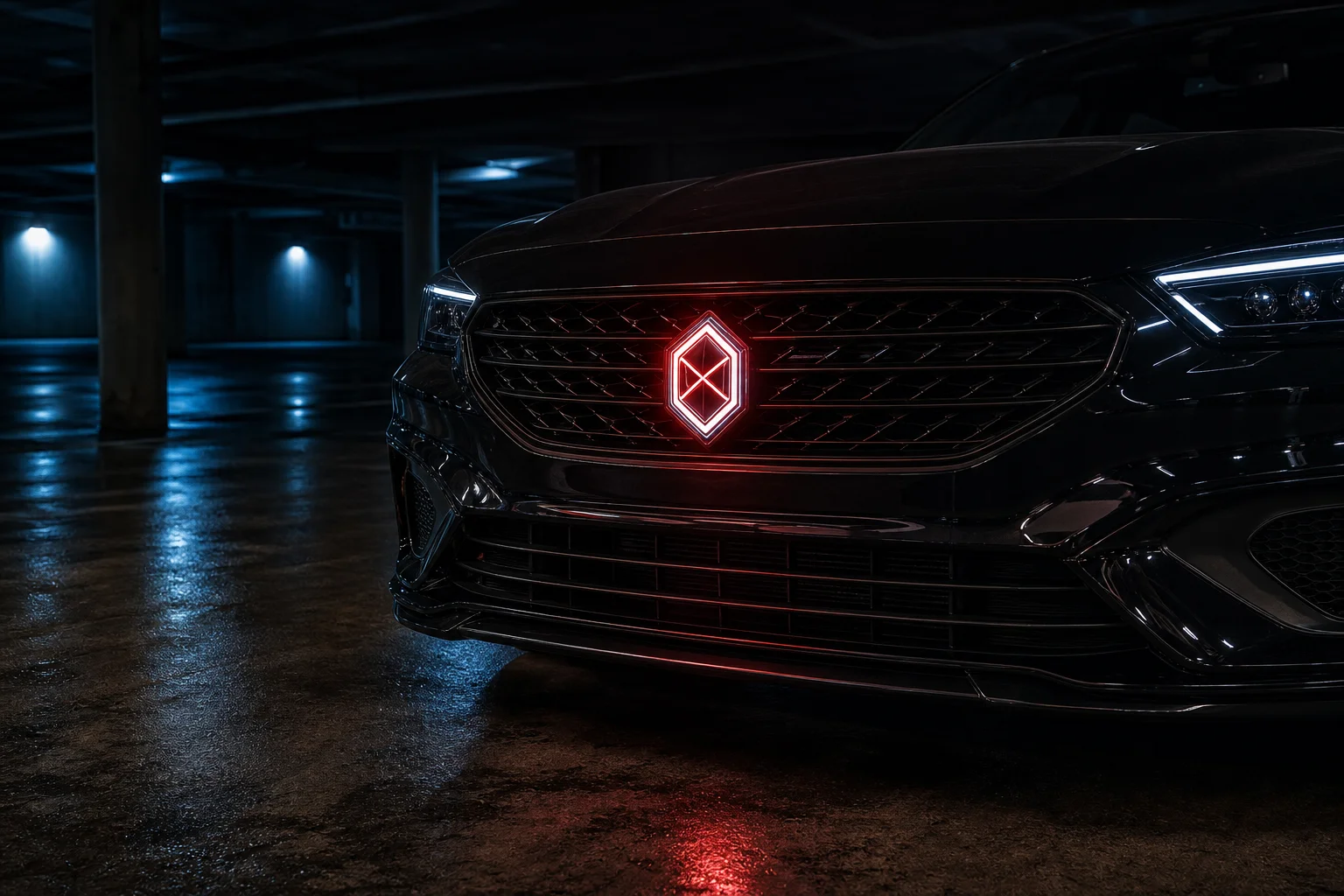 Exterior Upgrade
October 7, 2026 · 6 min read
LED Car Badge Guide: Sizing, Install and What to Know Before You Buy
How animated LED car badges work, how to measure for a flush 74mm or 82mm fit, waterproofing, installation, and the legal points every owner should check.
Read the guide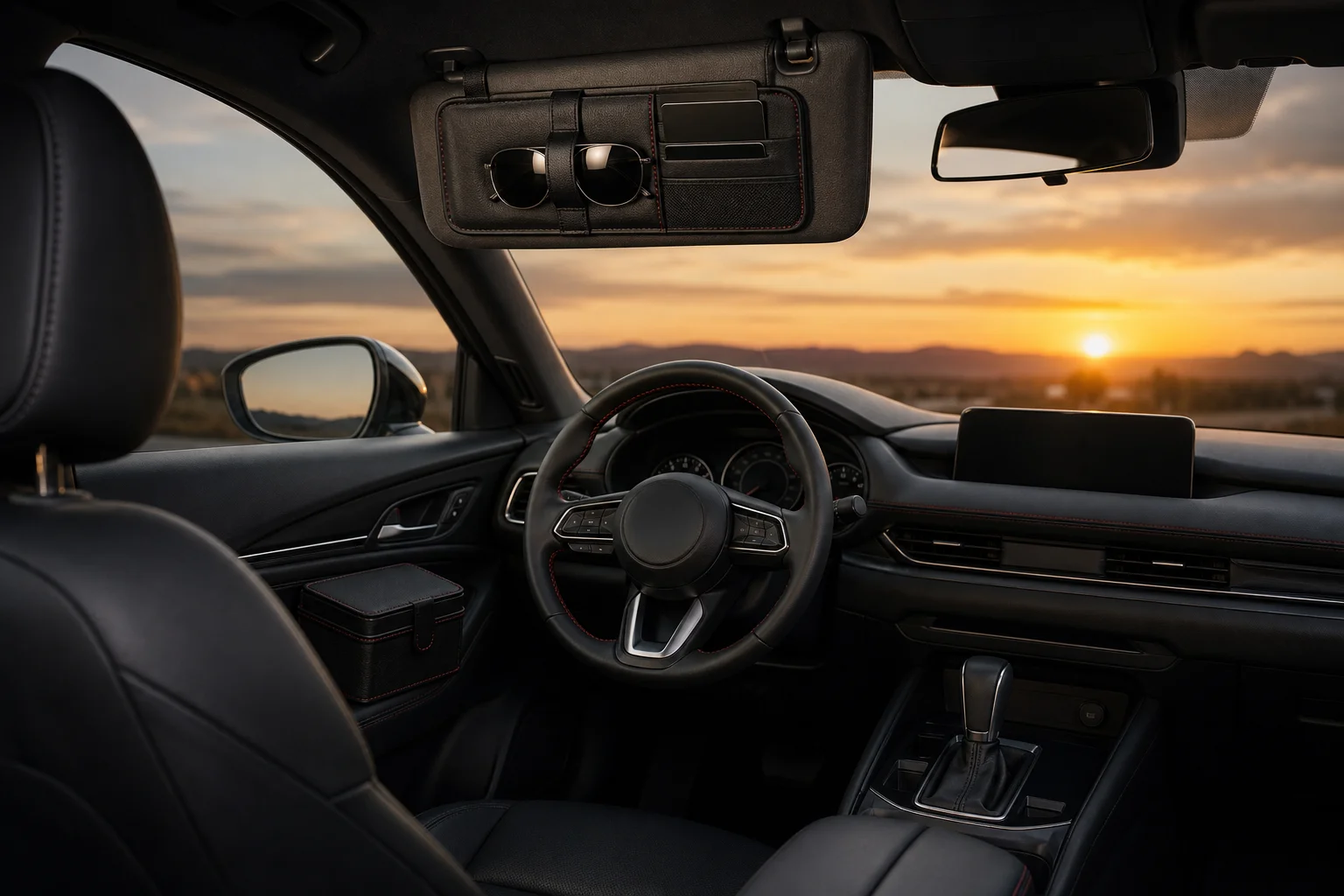 Interior Organization
October 7, 2026 · 6 min read
Car Organizer Guide: How to Declutter Your Car for Good
A zone-by-zone system for a tidy car: what belongs on the visor, in the door and in the console, which organizers are worth it, and a 10-minute reset routine.
Read the guide Interior Comfort
October 7, 2026 · 5 min read
Car Mist Diffuser Guide: A Fresher Cabin Without Harsh Air Fresheners
How a car mist diffuser works, how it compares to vent clips and hanging fresheners, what to put in it, and how to use one safely on every drive.
Read the guide