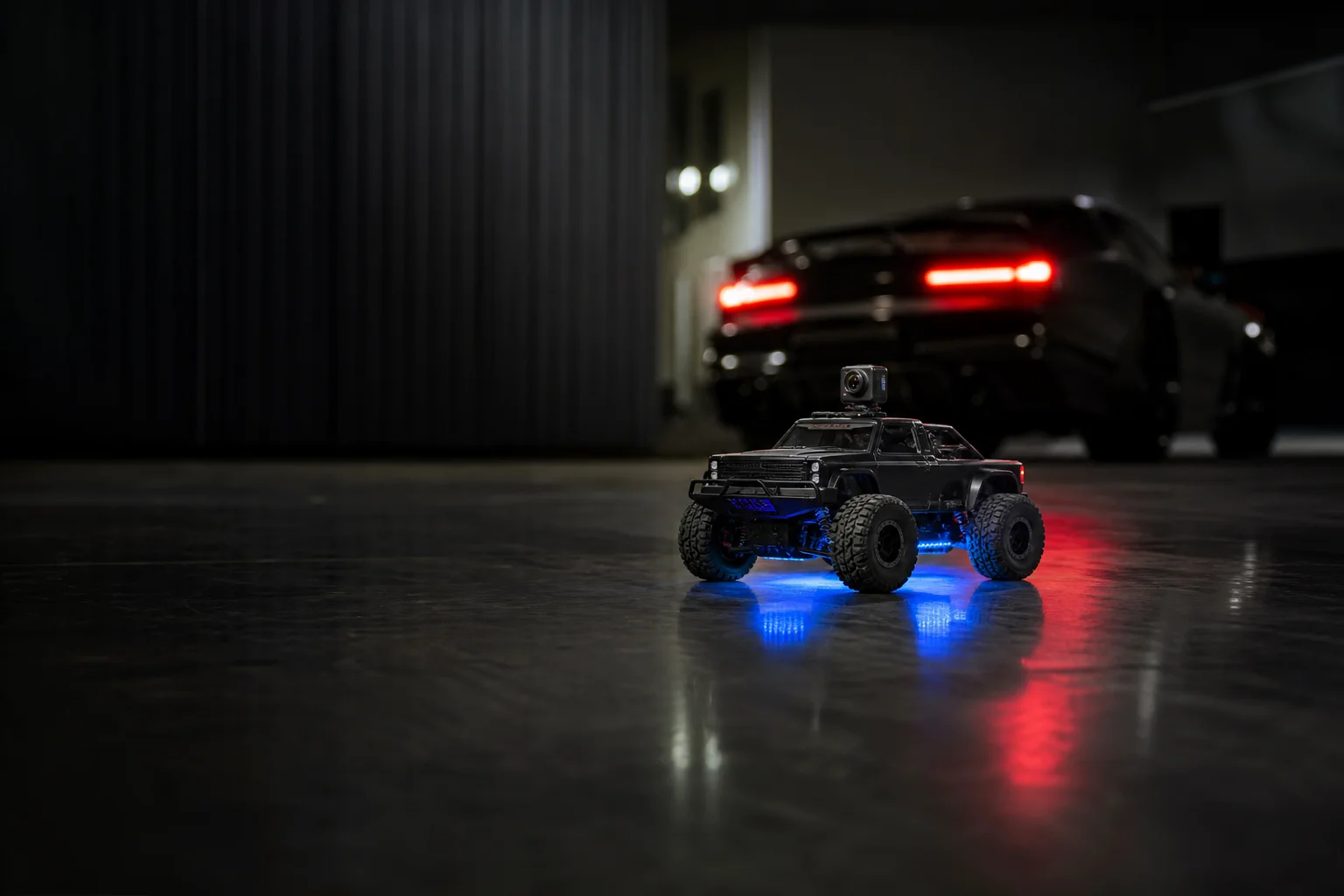
FPV Camera Car Guide: How First-Person RC Driving Works
What an FPV camera car is, how the live phone view works, the specs that matter, car vs boat, and setup tips for your first run.
DriveLux Editorial Team
Car tech guides and buying advice
A regular RC car is fun for ten minutes. Put a live camera on the roof and stream it to your phone, and it turns into something else: you are sitting in the driver’s seat of a car the size of your thumb.
That is FPV, short for first-person view. This guide explains how it works, which specs actually matter, and how to get a smooth first run.
01
The short answer
Quick answer
For most people, the DriveLux Mini FPV Camera Car Pro ($49.99) is the easiest way into FPV driving. It is a 1:64 scale 4x4 with a 720P Wi-Fi camera, a fully proportional remote, gyro stabilization, three speeds and about 25 minutes of drive time. It works out of the box, with no setup beyond charging and opening the app.
02
How FPV driving works
The camera sees
A small 720P camera on the roof films the road ahead from the driver’s seat.
Your phone shows it
The video streams live over Wi-Fi to the app, so your screen becomes the windshield.
The remote drives it
A separate 2.4G remote handles steering and throttle, so the video and the controls never fight.
03
What to look for in an FPV camera car
A live, smooth video feed
FPV only works if the picture keeps up. A 720P Wi-Fi stream is the sweet spot for small cars: sharp enough to steer by, light enough to stay smooth.
Proportional controls
Cheap RC toys are all or nothing. Proportional steering and throttle let you ease into corners, which matters when you are driving from the camera view.
Gyro stabilization
A built-in gyro keeps the car tracking straight, so you are not fighting spin-outs while watching a screen.
Speed settings
Slow modes for tight indoor runs and new drivers, faster ones for open floors. Three settings means it grows with the driver.
Real drive time
Look for 20 minutes or more per charge. Anything under 10 minutes ends the fun just as you get the hang of it.
Recording built in
Being able to save photos and video from the car’s view is half the fun, and makes great clips to share.
04
The specs, explained
Scale is the size compared to a real car. At 1:64 it fits on a desk and turns a hallway into a full-size track. Proportional means the car responds to how far you push the stick, not just on or off. Range is how far the car can go and still respond to the remote.
Spec sheet
Mini FPV Camera Car Pro
- Scale
- 1:64
- Desk and floor size
- Camera
- 720P
- Live Wi-Fi view
- Remote
- 2.4G
- Fully proportional
- Drive time
- ~25 min
- Per charge
- Charge time
- ~30 min
- Back to driving fast
- Range
- ~30 m
- Control range
05
FPV car vs FPV boat
Both stream a live view to your phone and record photos and video. The difference is where you drive them.
| Feature | Mini FPV Camera Car Pro | Manta FPV Camera Boat |
|---|---|---|
| Where it drives | Floors, desks, garages | Pools, ponds, calm lakes |
| Live camera view on phone | ||
| Photo and video recording | ||
| Controls | Dedicated 2.4G remote | Phone app |
| Run time per charge | About 25 min | About 15 min |
| Control range | About 30 m | About 15 m |
| Use it year-round indoors | ||
| Recommended age | 8 and up | 14 and up, younger with an adult |
| Price | $49.99 | $49.99 |
 Editor's pick
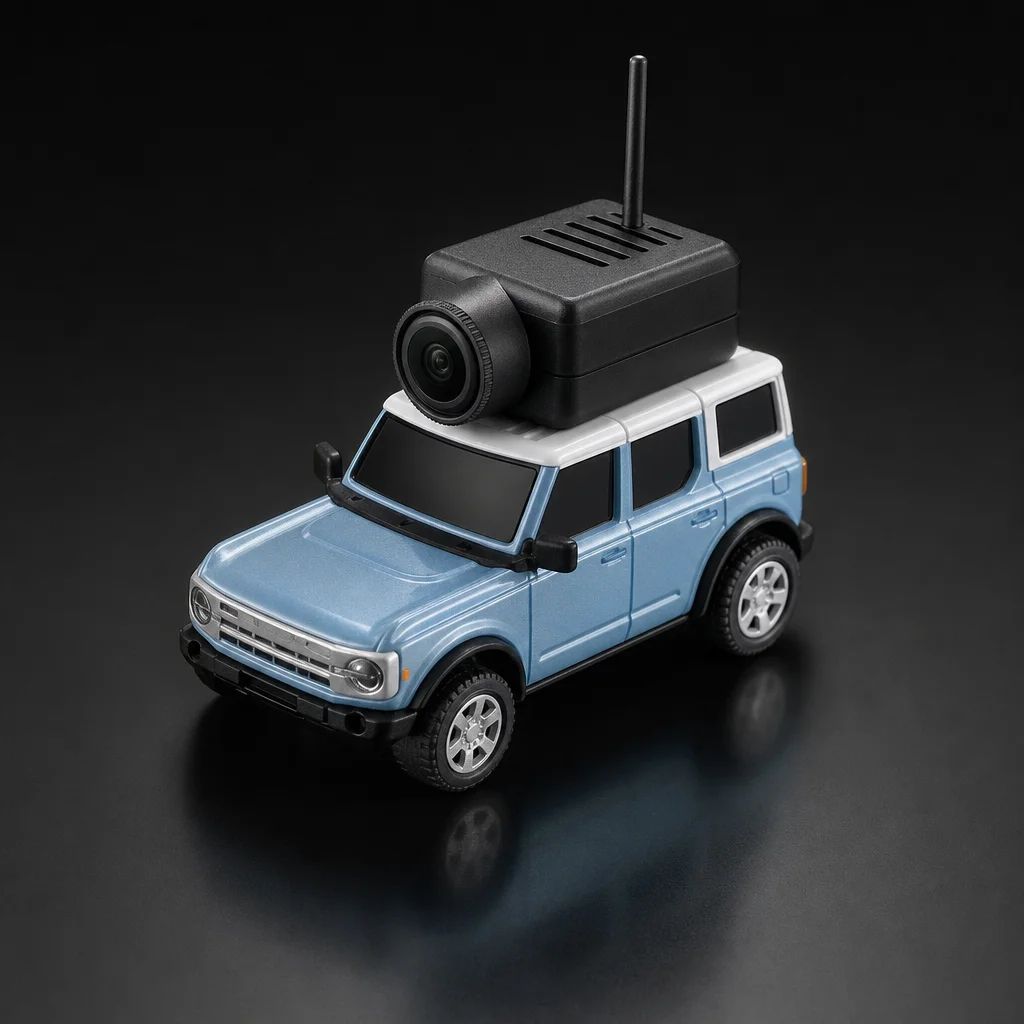
Our pick for first-time FPV drivers
DriveLux Mini FPV Camera Car Pro
- 720P HD Wi-Fi camera with live view, photo, video and VR mode
- Fully proportional 2.4G remote for smooth steering
- Built-in gyro stabilization holds its line
- Three speed settings, front suspension and blue underglow
- About 25 minutes of drive time from a 30-minute charge
06
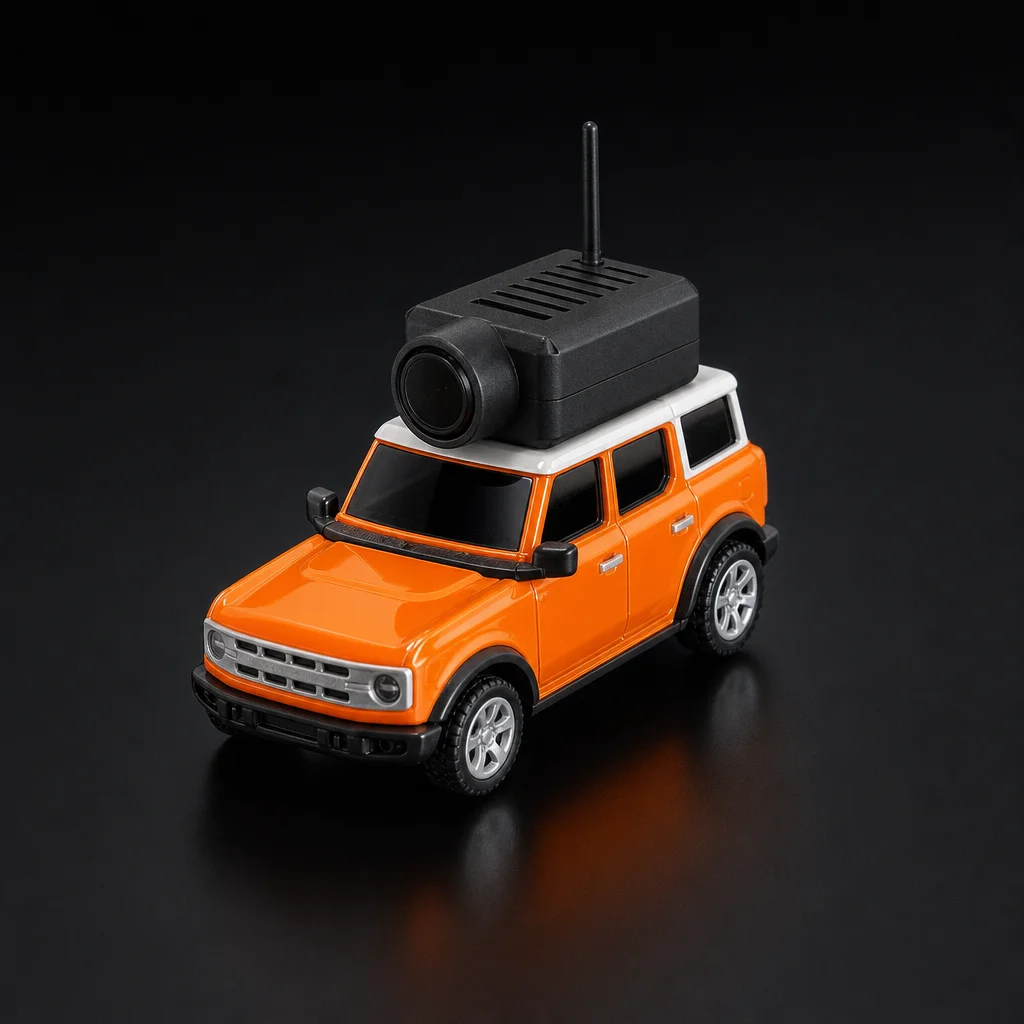
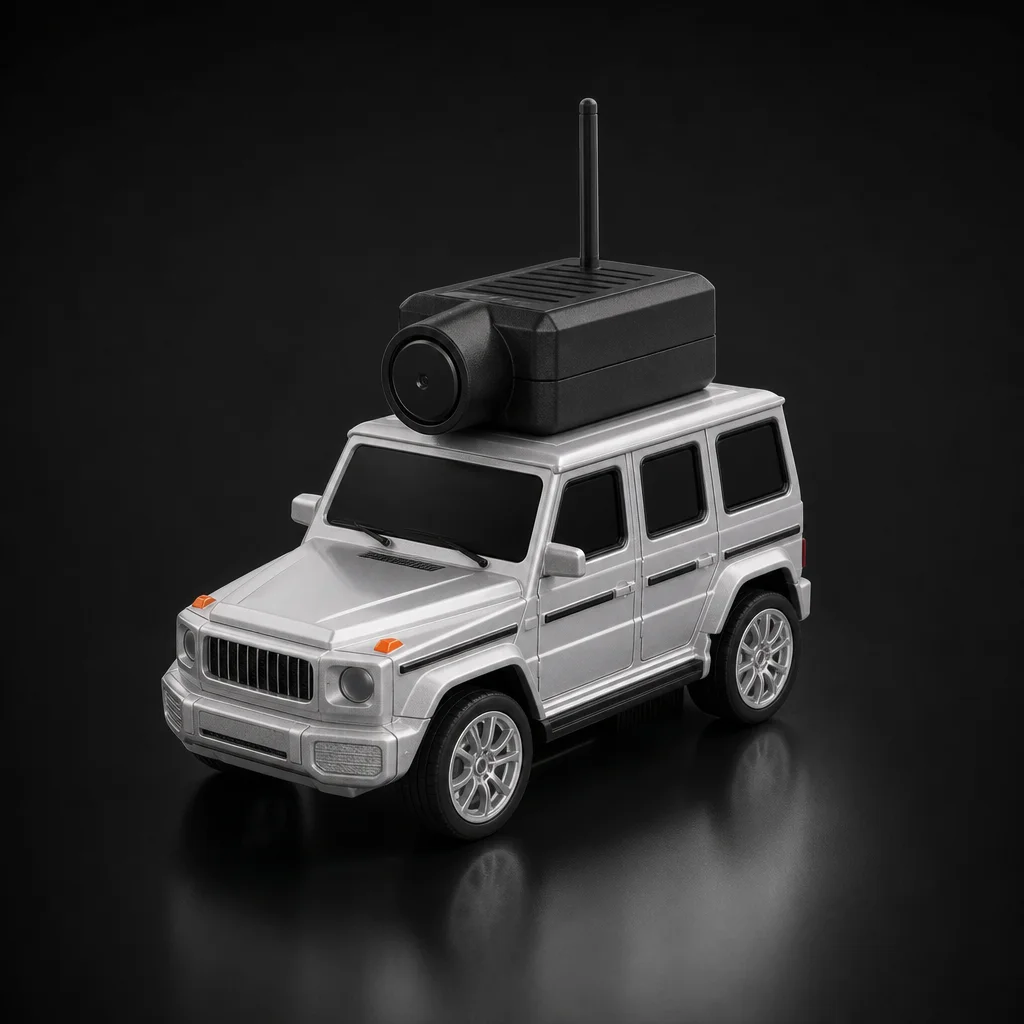
Choose your body
07
Your first run in 5 steps
- 1
Charge the car fully (about 30 minutes) and switch it on. The remote pairs automatically.
- 2
Connect your phone to the car’s Wi-Fi and open the app. The live camera view appears on screen.
- 3
Start on the slowest speed setting and drive while looking at the car, not the phone, to learn the steering.
- 4
Once it feels natural, switch to the phone view and drive from the first-person camera.
- 5
Turn on recording for your best runs, then step up a speed setting when you are ready.
08
Four track ideas at home
Hallway time trial
Tape a start and finish line, set a phone timer and race the clock. Drive it again in FPV only.
Desk rally
Books, mugs and cables make a technical course. Slow speed, tight turns, no falling off the edge.
Garage off-road
Concrete, mats and a cardboard ramp turn the garage into a trail for the 4x4 suspension.
Hide-and-seek
Hide a small object, then find it using only the camera view. Kids love this one.
09
Beginner mistakes to avoid
- Starting at top speed. Learn the controls on the slow setting first, especially when driving from the phone view.
- Driving out of Wi-Fi or remote range. Keep the car within about 30 m so the picture and control stay solid.
- Running it through water, sand or wet grass. The FPV car is made for dry surfaces. For water, choose the camera boat.
- Leaving the battery flat for months. Give it a charge every few weeks if it is not being used.
10
Frequently asked questions
What is an FPV camera car?
FPV stands for first-person view. An FPV camera car has a small camera on board that streams live video to your phone, so you drive it as if you were sitting in the driver’s seat.
Do I need a VR headset to drive FPV?
No. The DriveLux Mini FPV Camera Car Pro streams to your phone screen. The app also has a VR mode if you want to use a phone headset.
How long does the battery last?
The Mini FPV Camera Car Pro drives for about 25 minutes from a roughly 30-minute charge. The Manta FPV Camera Boat runs about 15 minutes from a 45-minute USB charge.
What age is an FPV camera car for?
The Mini FPV Camera Car Pro is recommended for ages 8 and up. It is also popular with adult car enthusiasts as a desk or garage toy.
Can it record video?
Yes. You can take photos and record video from the car’s camera through the app while you drive.
Should I get the FPV car or the FPV boat?
Choose the car for year-round indoor and garage driving with a dedicated remote. Choose the boat if you have access to a pool or calm water. Both are $49.99.
Take the driver’s seat
Live camera view, proportional controls and 25 minutes of drive time for $49.99. Free US shipping, tracked delivery and 30-day returns.
Buying it as a present? See our full list of car gifts under $50.
Keep reading
More from the Journal
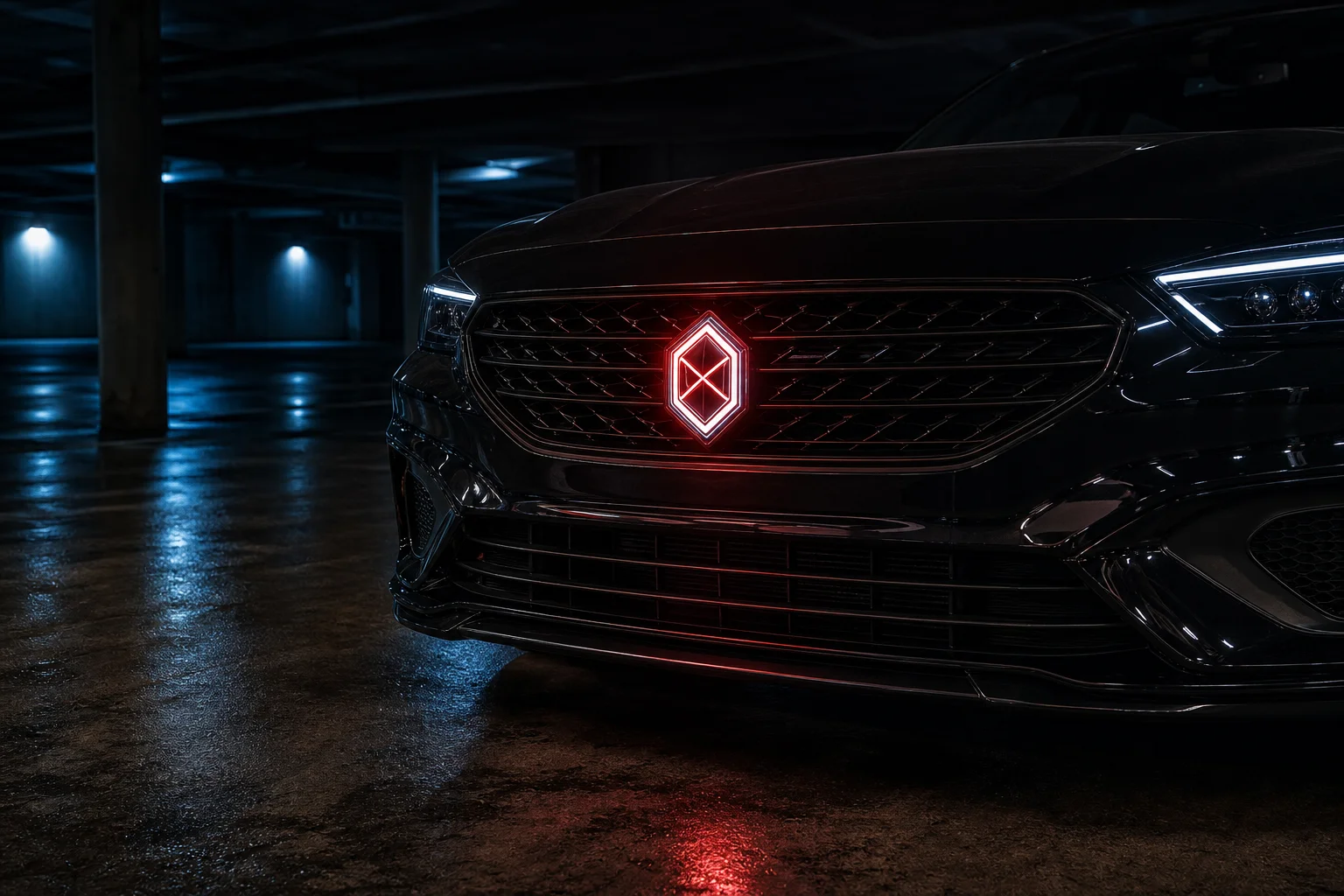 Exterior Upgrade
October 7, 2026 · 6 min read
LED Car Badge Guide: Sizing, Install and What to Know Before You Buy
How animated LED car badges work, how to measure for a flush 74mm or 82mm fit, waterproofing, installation, and the legal points every owner should check.
Read the guide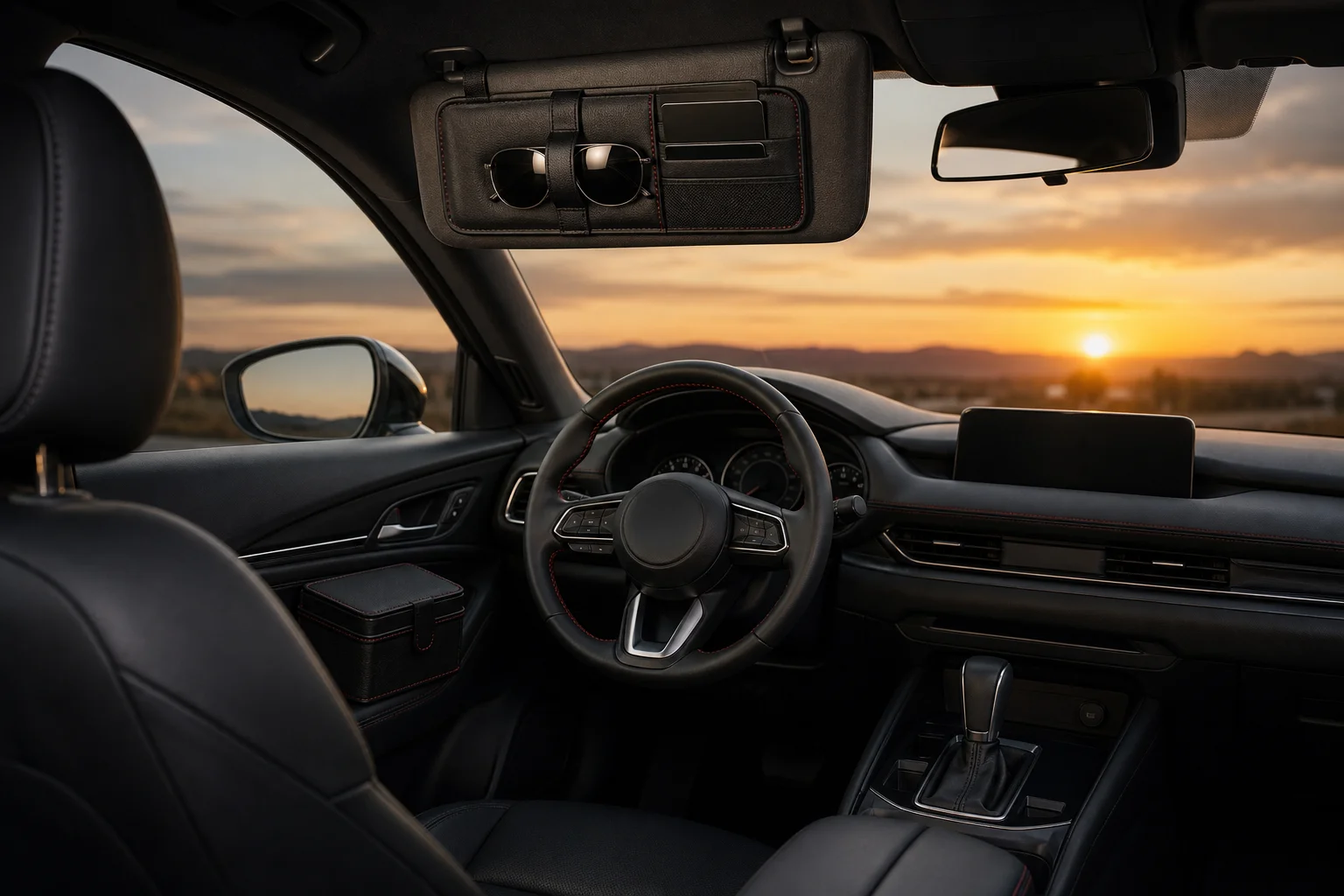 Interior Organization
October 7, 2026 · 6 min read
Car Organizer Guide: How to Declutter Your Car for Good
A zone-by-zone system for a tidy car: what belongs on the visor, in the door and in the console, which organizers are worth it, and a 10-minute reset routine.
Read the guide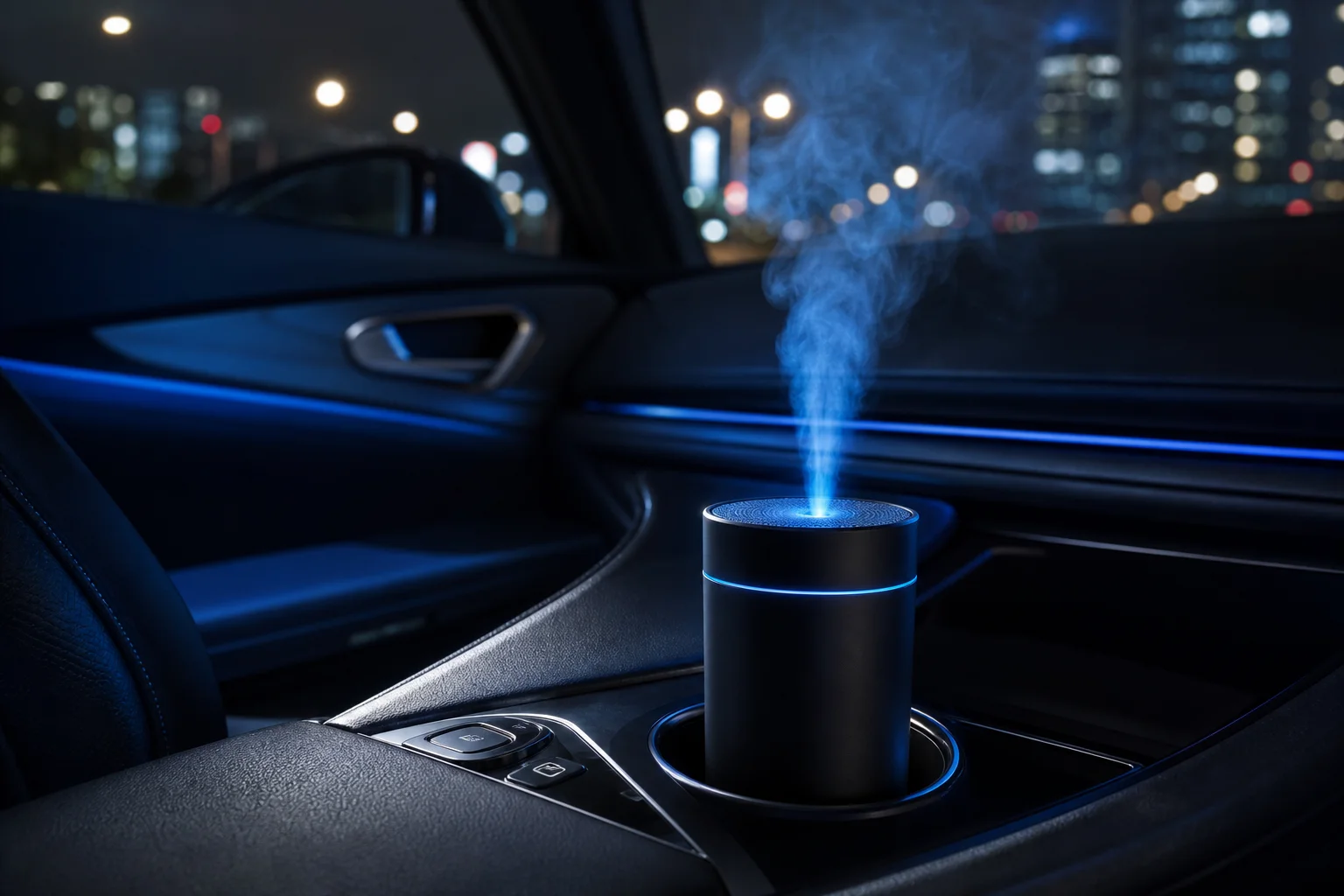 Interior Comfort
October 7, 2026 · 5 min read
Car Mist Diffuser Guide: A Fresher Cabin Without Harsh Air Fresheners
How a car mist diffuser works, how it compares to vent clips and hanging fresheners, what to put in it, and how to use one safely on every drive.
Read the guide